Safe Play Workshops
Set Up Roblox Safety Controls While Your Kid's at School
No reading. No guessing.
Just 45 minutes to actually do it — together.
A hands-on workshop for parents and caregivers of 5-10 year olds.
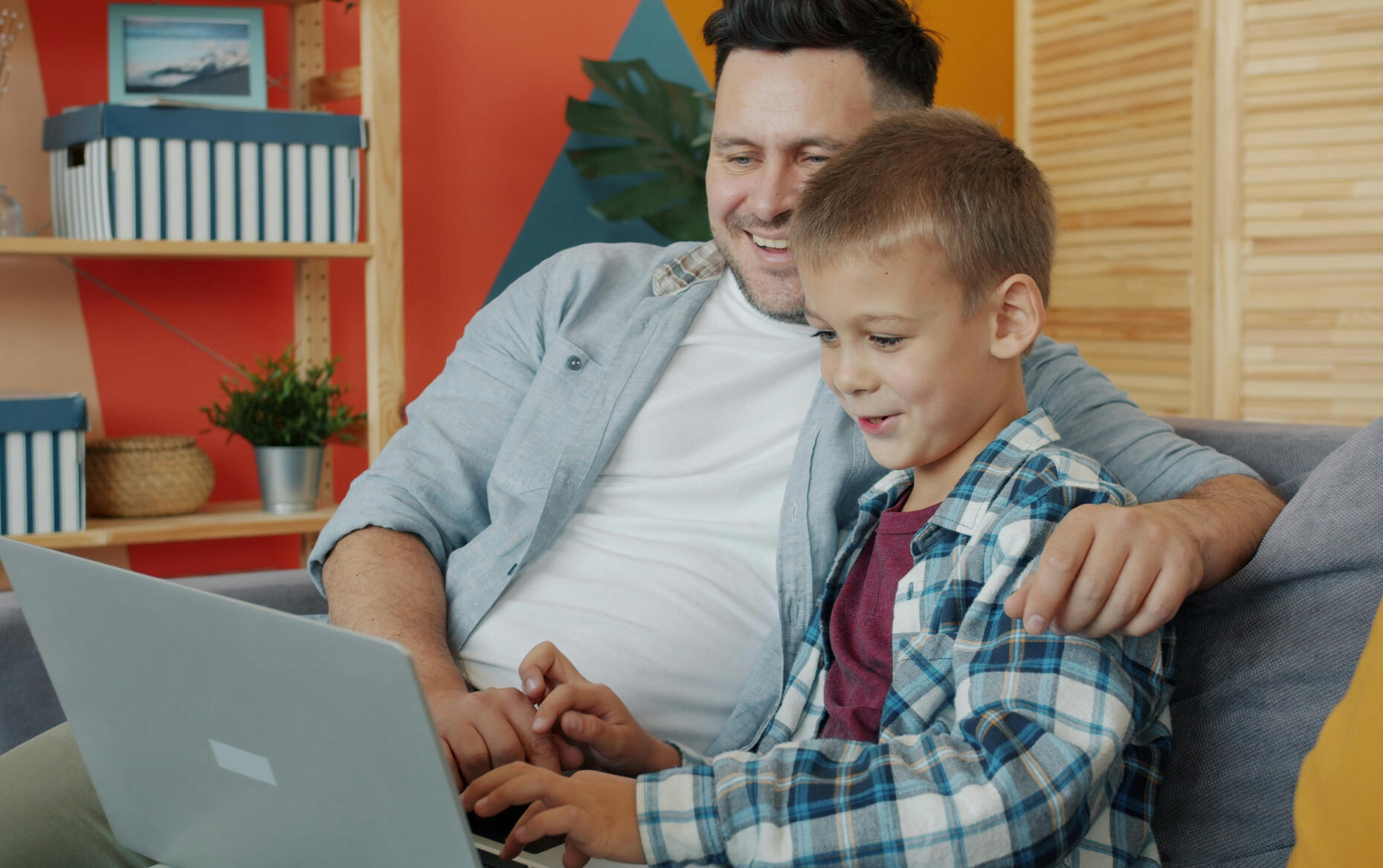

Busy parents know Roblox safety matters, but they're:
Drowning in conflicting advice and long articles they don't have time to read
Overwhelmed by Roblox's settings and unsure what each one actually does
Stuck between wanting to protect their child and not wanting to hover
Aware there's misinformation out there but don't know what to trust
What this is?
A hands-on, live workshop where you'll configure your child's Roblox safety settings on your actual device, with step-by-step guidance.
No lecture. No overwhelming information dump. Just practical action you can complete in 45 minutes.
What you'll do:
Set up age-appropriate account restrictions
Configure chat and contact settings to limit who can message your child
Enable parental monitoring so you can check in without hovering
Review what to do if settings get changed
Create a simple monthly check-in routine (takes 5 minutes—I'll give you a checklist)
Get answers to your specific questions in real-time
Why I built this
As a "tech-savvy" parent, I initially thought I understood parental controls and the basics of online safety. However, upon reviewing the latest changes to the Roblox platform, I realized that I wasn't sure what the best options were for my child. Particularly for chat safety and the difference between "friends" and "friends of friends," I was left wondering if I should disable chat entirely. The hours spent researching left me overwhelmed and frustrated.This experience has led me to create this hands-on workshop. Instead of more reading or confusion with conflicting advice, we'll sit down, parent-to-parent, and set up the safety features together. This workshop is about collective action and shared knowledge—no more research, just doing it together.
FAQ's
What if I’m not tech-savvy?
Perfect! That's exactly who this is for. We go screen by screen together. If you can open an app, you can do this. No judgment, no assumptions about your technical knowledge.What if my child's Roblox account is already set up?
Great! We'll review your current settings and tighten anything that needs adjustment. Most parents find at least 2-3 settings they didn't know about, or settings that have changed since they last looked. Roblox updates their platform regularly, so a review is valuable even if you did initial setup months ago.What if I get stuck during the workshop?
That's exactly why we do this live instead of a pre-recorded video. You can ask questions in chat, and I'll troubleshoot in real-time. The small group size means everyone gets individual attention.Will this ban my child from Roblox features they love?
No. We're setting age-appropriate boundaries, not removing fun. I'll explain what each setting actually does so you can make informed choices for YOUR child and your family's values. Some parents want stricter controls, others want lighter monitoring—we'll discuss the options together.Can my co-parent or partner join too?
Yes! You only need one workshop spot, but both parents/caregivers are welcome to join the call. Having both adults in your household understand the settings is actually ideal.Will I get a recording?
Yes. All participants receive a recording of the workshop to reference later, plus a PDF checklist for the monthly 5-minute safety review.What if Roblox changes their settings after this workshop?
That's exactly why I include the monthly 5-minute check-in routine. It's designed to help you quickly spot when settings have changed (either because Roblox updated their platform or because your child figured out how to adjust them). You'll know what to look for.
Ready to lock down Roblox?
Join the next workshop and leave with your child's account actually protected—not just "planned to do it someday."
Not Ready? Get the 5-minute Roblox safety checklist.